Find orders to combine in Shopify with Smart Suggest
Mergify is a Shopify app that helps you find orders to combine in Shopify with Smart Suggest. It groups orders by shipping address only or by customer and address, then lets you review and approve each group. When you approve a group, Mergify creates one new merged order and the original orders stay in Shopify.
Review each group before merging and ship with one label instead of two. As of November 2026, Smart Suggest is unlimited on every plan.
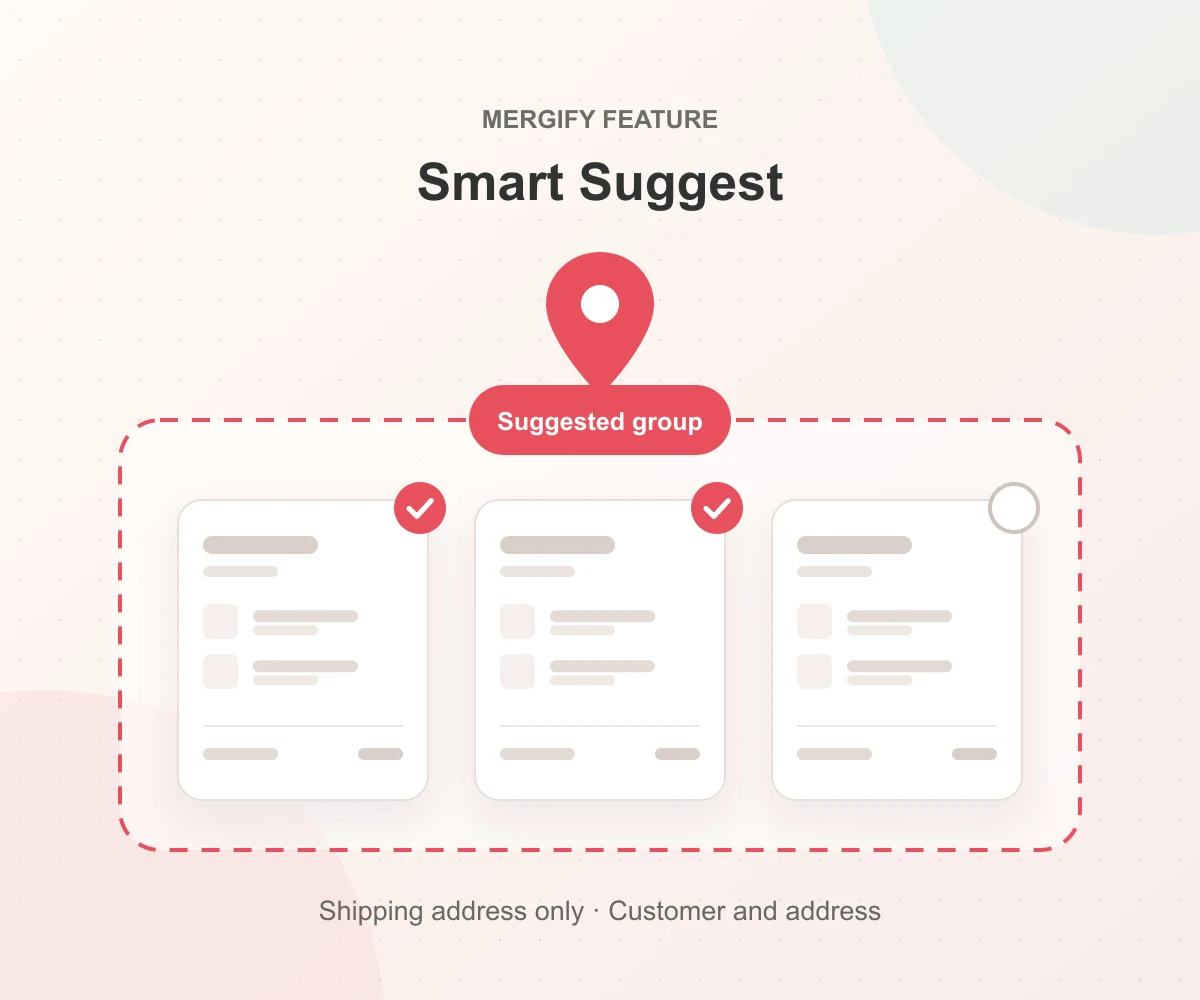
How does Smart Suggest work?
Smart Suggest groups orders that can ship together, and you choose which groups to merge.
- Choose how to group orders. Use shipping address only, or customer and address.
- Set Filtering Rules for Smart Suggest. Decide which orders it should consider. You can use fulfillment status, creation date, order tags, and other supported conditions to narrow the list.
- Review each suggestion. Check the customer, shipping address, and number of orders. Untick any order you want to leave out; at least two orders must remain selected.
- Review Merge Settings and approve the group. Choose how shipping is handled, for example recalculating it from your store's own rates and keeping or refunding the difference. Payments and refunds stay on the original orders.
How does Smart Suggest group orders?
Smart Suggest groups by either shipping address only or customer and address. Shipping address only looks at the destination alone. Customer and address also requires the orders to come from the same customer, so it is the stricter option.
Grouping and filtering do different jobs. The grouping option determines how orders are brought together; Filtering Rules determine which orders Smart Suggest considers.
Can I keep some orders out of suggestions?
You can exclude orders through Smart Suggest's Filtering Rules or untick orders within an individual suggestion. Use rules for a condition you want to apply repeatedly and the checkboxes when reviewing a particular group.
Conditions include creation date, fulfillment status, financial status, shipping country, province or city, shipping carrier, order tags, and customer tags. For example, you can tag orders no-merge and exclude that tag.
All conditions within a rule must match, but matching any active rule lets an order pass the filter. Include a required exclusion in every active rule so another rule cannot let that order through. You can switch a rule off without deleting it.
Smart Suggest and Auto Merge have separate Filtering Rules. Review the rules for the mode you intend to use.
What if a suggestion looks out of date?
Use Sync Orders to refresh Mergify's copy of your store's orders. Then review the suggestion's customer, address, and order count before approving the group.
If you are looking for an older purchase, also check the order window. Mergify reads the last 60 days by default; on Basic, Advanced and Professional you can change it in More Settings → Miscellaneous.
Which plans include Smart Suggest?
As of November 2026, every Mergify plan includes unlimited Smart Suggest, including Starter. Unlimited suggestions do not remove merge charges: Starter is free to install with 5 merges in total, then $0.50 per merge. Review allowances and charges on Mergify's pricing page.
What should I know before I find orders to combine in Shopify?
Check how approval, merge charges, order access, and the resulting order fit your process.
Can Smart Suggest group orders from different customers at the same address?
Yes, with the shipping address only option, which groups orders by destination alone. Choose customer and address if you want only one customer's orders grouped together.
Does Smart Suggest merge every suggested group automatically?
No. Smart Suggest needs your approval for each group, and you can untick orders before merging as long as at least two stay selected. Auto Merge, on the Advanced and Professional plans, merges eligible orders without that approval step.
Does unlimited Smart Suggest mean unlimited free merges?
Unlimited Smart Suggest means you can review suggestions on every Mergify plan; merges still follow your plan's pricing. As of November 2026, Starter includes 5 merges in total, then charges $0.50 per merge.
Will approving a suggestion affect inventory or sales reports?
Merging through Mergify does not change inventory. Use test mode to keep the new merged order out of sales reports, so order counts and revenue stay accurate. Mergify never charges customers or moves their payments.
Can Smart Suggest find orders older than 60 days?
Yes, on Basic, Advanced and Professional. Mergify reads the last 60 days of orders by default, and those plans can change the window in More Settings → Miscellaneous. Filtering Rules then decide which of those orders Smart Suggest considers.
Does Smart Suggest include orders that are already fulfilled?
Only if your Filtering Rules allow it. Add a fulfillment status condition to Smart Suggest's rules to decide which orders it considers, for example only unfulfilled orders.
Where can I check or undo a merge made through Smart Suggest?
History records the merge date, original orders, new order or draft, merge method, and any shipping refunded. Use undo there to delete the merged order. The original orders were never removed, so they remain in Shopify. Undo cannot reverse shipping refunds already sent.
Ready to review your next group of repeat orders?
Smart Suggest is unlimited on every plan, including Starter, which is free to install. Install Mergify, check the groups it suggests, and merge only the ones you approve.