Automatically combine orders in Shopify
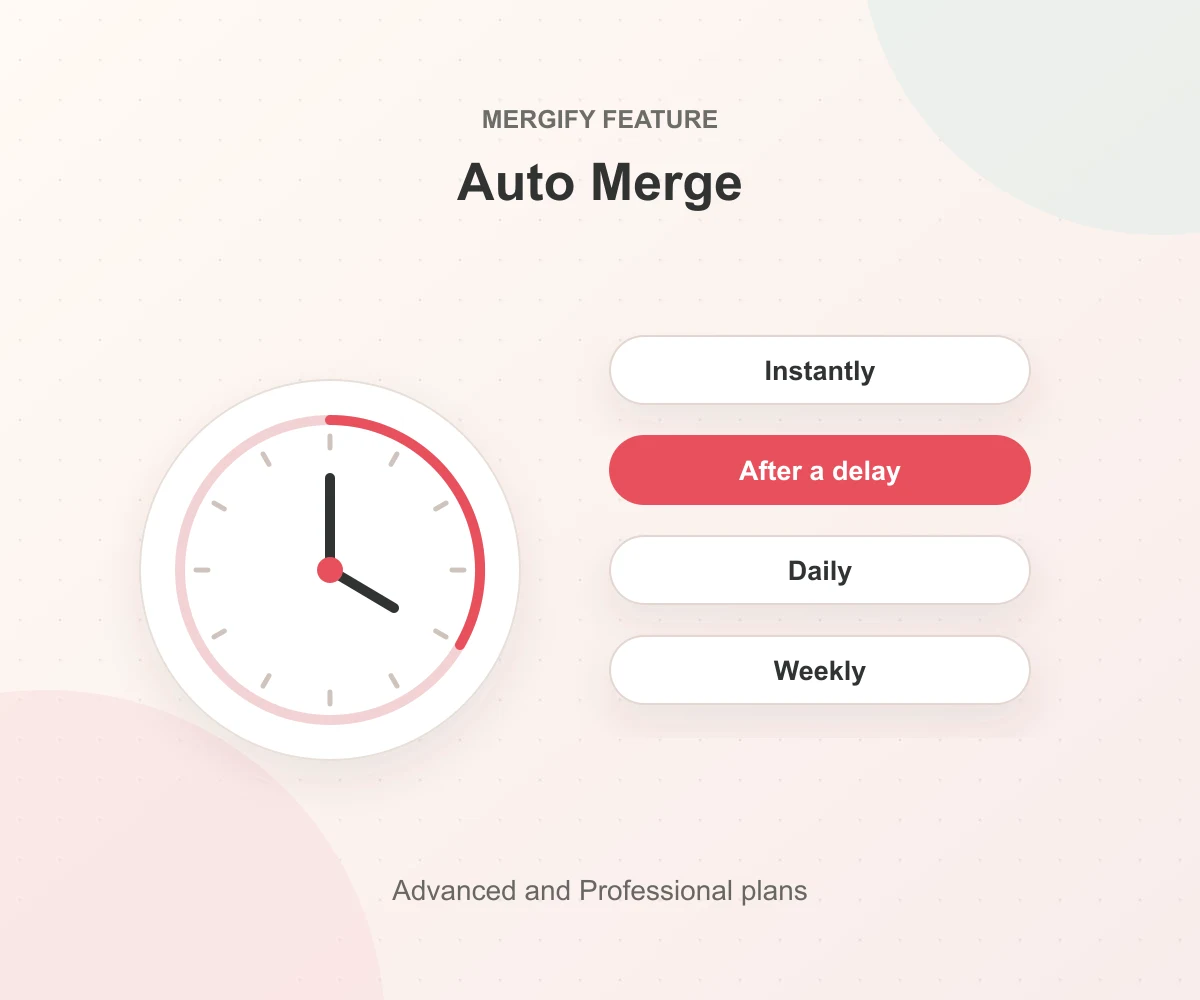
Mergify is a Shopify app that can automatically combine orders from the same customer into one new order. Auto Merge runs instantly, after a delay counted from the customer's latest order, daily, or weekly. As of November 2026, Auto Merge is available only on the Advanced and Professional plans.
Turn repeat orders into one shipment with one label instead of two.
How does Auto Merge work?
Auto Merge combines orders that pass its Filtering Rules according to the timing you choose.
- Set the Auto Merge Filtering Rules. Choose which orders to consider using conditions such as creation date, fulfillment status, financial status, or order tags.
- Choose a mode. Use instant merging, a delay from the customer's latest order, a daily hour, or a weekly day and hour.
- Review Merge Settings. Decide how to build the merged order, handle any shipping difference, and manage the originals. Check the settings assigned to Auto Merge.
- Turn on Auto Merge. Eligible orders then merge in the chosen mode. Use History to check the resulting orders, merge dates, and any shipping refunded.
When does Auto Merge run?
Auto Merge runs instantly, after a delay, daily at a set hour, or weekly on a set day and hour.
- Instantly: eligible orders merge with no waiting period. It fits when you pack through the day and want each repeat order combined right away.
- After a delay: the wait counts from the customer's latest order, so each new order from that customer starts it again. It fits sales and launches, when customers often order a second time soon after the first.
- Daily at a set hour: pick an hour before your team starts packing, so the day's repeat orders are combined before anyone picks them.
- Weekly on a set day and hour: it fits orders that ship on a fixed day, such as pre-order collections.
Whatever the mode, add a fulfillment status condition to your Auto Merge rules so only unfulfilled orders are merged.
How do I stop some orders from merging automatically?
Use Auto Merge Filtering Rules to exclude orders you want to keep separate, such as orders tagged no-merge.
Include exclusions in every active rule: an order passes when it matches all conditions in any active rule.
Conditions can use creation date, fulfillment status, financial status, shipping country, province, city, shipping carrier, order tags, and customer tags. Smart Suggest has its own rules, so exclusions there do not define your Auto Merge rules.
Is it safe to turn on Auto Merge?
Auto Merge leaves inventory unchanged, and Mergify never charges customers or moves payments; review your rules and Merge Settings before enabling it.
Use test mode to keep merged orders out of sales reports, so order counts and revenue stay accurate. Payments and refunds remain on the original orders.
Begin with Smart Suggest if you want to review groups yourself, then check the separate Auto Merge rules before switching to automation. History records each merge, and undo deletes the merged order; the originals were never removed. Undo cannot reverse shipping refunds already sent, so check the Refund section of the Merge Settings that Auto Merge uses before you turn it on.
Which plans include Auto Merge?
As of November 2026, Auto Merge is included only in Advanced and Professional. Advanced costs $29.99 USD per 30 days for 150 merges, then $0.20 per additional merge; Professional costs $49.99 for 350, then $0.15. Both have a 7-day trial; compare allowances and charges on Mergify's pricing page.
What should I know before I automatically combine orders in Shopify?
Choose your rules, timing, and order settings before enabling Auto Merge.
Can I automatically combine orders in Shopify without approving each group?
Yes. Mergify's Auto Merge combines eligible orders on its own, using your chosen timing and Auto Merge Filtering Rules. As of November 2026, it requires Advanced or Professional. Smart Suggest lets you review and approve each group instead.
When does the delay start if a customer orders again?
Mergify's Auto Merge delay counts from the customer's latest order. Choose this mode when you want the waiting period to follow that customer's most recent purchase.
Will customers know their orders were merged automatically?
Mergify can email the customer when their orders are merged, on every plan. You can edit the email and use placeholders for order details.
Will automatic merging affect inventory, sales reports or payments?
Merging with Mergify does not change inventory, and test mode keeps merged orders out of sales reports. Mergify never charges customers or moves payments; payments and refunds stay on the original orders.
Can I refund extra shipping on an automatic merge?
Mergify can recalculate shipping from your store's own rates and refund the difference to the customer. You can also choose to keep that difference in Merge Settings.
Can I check an automatic merge and undo it?
Yes. Mergify's History shows the original orders, the merged order or draft, the date, the merge method and any shipping refunded. Undo deletes the merged order, and the originals are still in Shopify because they were never removed. Undo cannot reverse shipping refunds already sent.
Ready to combine repeat orders on your schedule?
Auto Merge is on the Advanced and Professional plans, and both start with a 7-day trial. Set your rules and timing during the trial, and check each merge in History.