Best apps to merge Shopify orders in 2026
The best app to merge Shopify orders depends on your workflow. As of November 2026, choose Triom for customer order editing, Rocketly or Order Merging for free merging, and Voodux for $4.99 unlimited automatic merging. Mergify, our own Shopify app, suits ShipStation or ShipBob workflows and costs less than Triom and MergeIt at 150, 350, and 600 merges monthly.
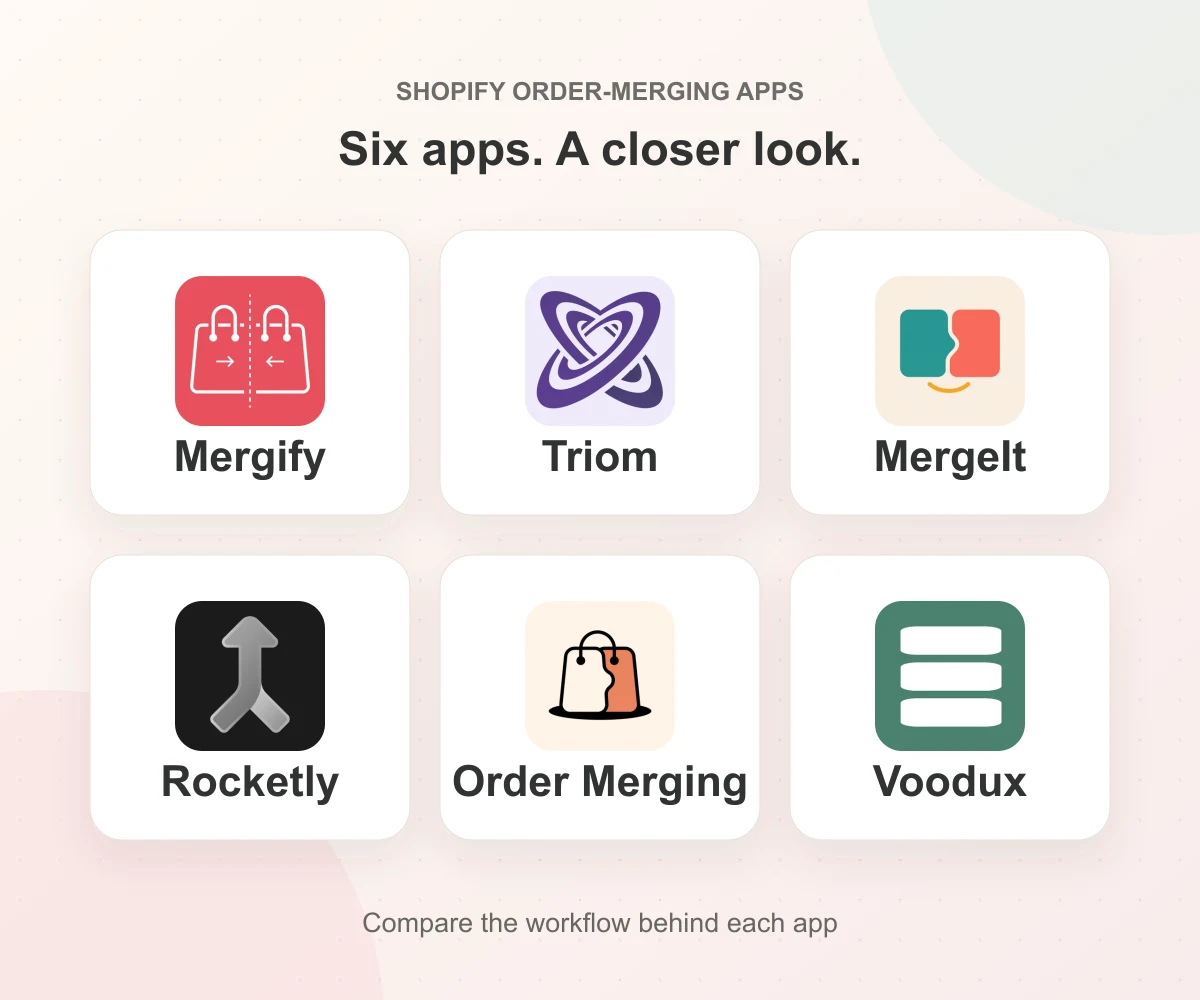
Six Shopify order-merging apps compared
| App | Mergify | Triom (formerly Order Merger) | MergeIt | Rocketly | Order Merging | Voodux Extended Orders |
|---|---|---|---|---|---|---|
| Rating (reviews) | 4.6 (67) | 4.8 (75) | 4.8 (16) | 5.0 (6) | 4.3 (9) | No reviews |
| Listed since | September 2021 | April 2019 | June 2025 | January 2026 | December 2025 | May 2025 |
| Built for Shopify | Yes | Yes | Yes | No | Yes | No |
| Free plan | 5 merges in total; then $0.50 per merge | 5/month; then $0.50 | 6/month | Free; future pricing “coming soon” | Free | 1/month, manual only |
| Automatic merging from | $29.99 (Advanced) | Free plan | $14.99 (Starter) | Free | Free | $4.99 (unlimited) |
| Works with | ShipStation, ShipBob, Shopify Flow, Vanga AI | ShipStation, Shopify Flow | Shopify Flow | Shopify Admin only | Shopify Flow | None listed |
| Languages | English | English | English, German, French, Spanish | English | English | English |
Prices and ratings checked on the Shopify App Store on November 1, 2026. Prices are in USD; automatic-merging entry prices are monthly. Integration entries reflect what each app lists. Prices and ratings can change.
How did we compare these apps?
We compared automatic merging, cost, inventory and reports, original-order handling, undo, integrations, and listing history. Mergify is our own app. The comparison uses Shopify App Store listings checked November 1, 2026, published documentation, and confirmed Mergify product details.
Cost examples assume the lowest listed plan cost at each volume.
A low subscription price is one consideration. Your team also needs to know which order to pack, where payments remain, and what happens to stock. An older listing or more reviews adds context; neither proves an app will suit your store.

Mergify
Best for: Stores that want a dedicated order-merging app, particularly for ShipStation or ShipBob workflows and the higher-volume examples in this comparison.
View Mergify on the Shopify App Store. See how to merge orders in Shopify.
Strengths: Mergify creates a new combined order and keeps the originals in Shopify. Use Manual Merge to select orders yourself, or review groups in unlimited Smart Suggest. Auto Merge runs instantly, after a delay, daily, or weekly. Its delay starts from the first matching order; later matching orders do not restart it. Daily and weekly schedules use your store’s timezone.
Filtering Rules let you include or exclude orders by tags, dates, status, shipping location, and carrier. Merge Settings control shipping charges and how originals are tagged, archived, or fulfilled. The standard Merge to Order workflow leaves inventory unchanged, and test mode keeps the new order out of sales reports.
Limits: Auto Merge requires Advanced or Professional, and the interface is English-only. Completing a merged draft changes inventory and sales data. Undo in History deletes the merged order but cannot reverse a shipping refund already sent or a cancellation of an original order.
Pricing (USD): Starter: 5 merges in total, then $0.50 per merge. Basic $9.99/month, Advanced $29.99/month, and Professional $49.99/month include 35, 150, and 350 merges per month. Paid plans have a 7-day trial; additional usage beyond the allowance is charged, including during the trial.

Triom (formerly Order Merger)
Best for: Stores that want customer order editing and upsells alongside merging, or automatic merging on a free plan.
View Triom on the Shopify App Store. Read the Mergify and Triom comparison.
Strengths: Triom combines those three jobs in one app. It offers a merge delay and a detailed rule builder, including location and product conditions. ShipStation and Shopify Flow are listed integrations. Listed since April 2019, it has the longest App Store history among these six apps and a Built for Shopify badge.
Limits: At 150 monthly automatic merges, its lowest listed cost is $44.49 versus Mergify’s $29.99. At 350, the figures are $79.99 versus $49.99. Check Triom’s documentation for inventory and undo behavior.
Pricing: Free includes 5 merges/month, then $0.50 each; Basic is $9.99/month with 35; Pro is $39.99/month with 100; Advanced is $79.99/month with 350, plus overages.

MergeIt
Best for: Stores that want automatic merging at a lower entry price than Mergify, or an interface in German, French, or Spanish.
View MergeIt on the Shopify App Store. Read the Mergify and MergeIt comparison.
Strengths: MergeIt starts automatic merging at $14.99 monthly. Its website lists a per-customer delay from zero minutes to three days. It offers tag exclusions, email alerts for suggestions, Shopify Flow support, and four interface languages. Its official site documents merge history with undo and says most merges are reversible, verified November 4, 2026. It has a Built for Shopify badge as of November 2026.
Limits: ShipStation and ShipBob are not listed integrations as of November 2026; that does not establish incompatibility. It has a shorter listing history than Mergify and Triom. MergeIt costs less than Mergify at 30 and 50 monthly automatic merges, while Mergify costs less at 150, 350, and 600 merges.
Pricing: Free includes 6 merges/month; Starter is $14.99/month with 50; Growth is $39.99/month with 200; Professional is $89.99/month with 600, plus overages.

Rocketly
Best for: Stores that want free automatic merging and can work within its rules for newly placed orders.
Strengths: Rocketly offers automatic merging, undo, and savings tracking. Its listed compatibility is Shopify Admin. As of November 2026, its App Store rating is 5.0 from six reviews.
Limits: Its documentation says automatic merging applies only to orders placed after the feature is enabled. It was listed in January 2026 and has no Built for Shopify badge. Its website says pricing is “coming soon,” so check the terms before relying on a permanent free price. Consult its documentation for undo limits.
Pricing: Free as of November 2026, with future pricing described as “coming soon.”

Order Merging
Best for: Stores that want free merging and a choice between merging into an original order or creating a new one.
Strengths: Order Merging lists free automatic merging as of November 2026. It can place the merged items in an existing original order or a new order, and it shows shipping saved. It lists Shopify Flow support and carries a Built for Shopify badge.
Limits: Its App Store listing dates to December 2025, giving it a shorter history than Mergify and Triom. Before choosing either merge destination, check how your shipping tools handle that result and the remaining originals.
Pricing: Free as of November 2026.

Voodux Extended Orders
Best for: Stores prioritizing a low paid price for unlimited automatic merging.
Strengths: Voodux lists unlimited automatic merging for $4.99 monthly as of November 2026. Its free plan includes one manual merge per month. The app has been listed since May 2025 and is available in English.
Limits: It has no reviews, no Built for Shopify badge, and no listed integrations as of November 2026. Check its handling of original orders and your fulfillment process before enabling automation.
Pricing: One manual merge/month free; $4.99 monthly for unlimited automatic merging.
Do I need an app that merges orders or one that only shares tracking?
Choose based on the records your shipping team needs to fulfill one parcel. A merge app combines purchases into one order used for shipping. Mergify creates a new order; Order Merging also offers the option to merge into an original.
Some newer tools, including FP1, Shipjoin, and MergeGuard, keep orders separate and share tracking or put the newer order on hold. That approach may suit a process where staff need separate Shopify order records throughout fulfillment.
Walk through one repeat purchase with your packers or 3PL. Identify which record supplies the packing list, which receives the label, and how the others stay out of the shipping queue. Shared tracking alone does not answer those operational questions.
What should I check to find the best app to merge Shopify orders?
Check grouping, timing, originals, financial records, and total app cost before turning on automation.
- Review the grouping method. Mergify’s Smart Suggest groups by shipping address alone or by customer and address. Check the recipient and full destination before approving a group.
- Match timing to fulfillment. Decide whether you need manual approval, a delay, or a scheduled run. Complete the merge before staff start packing the separate orders.
- Check the originals. Learn how each app tags, archives, or fulfills them. Confirm your shipping system processes only the intended combined shipment.
- Inspect a controlled merge. Check items, stock, payments, reports, and notifications. A test designation does not make Mergify’s merge a simulation; configured order actions still apply.
- Calculate your expected usage. Compare included allowances and extra usage, including groups of more than two orders. Before enabling automatic shipping refunds, review their consequences and Undo’s limits.
For the next warehouse step, see merging before Shopify batch fulfillment.
What should I know about a combine orders app for Shopify?
What is the best app to merge Shopify orders?
Choose for your fulfillment process and expected volume. As of November 2026, Triom combines merging with customer order editing, Rocketly and Order Merging are free, and Voodux lists unlimited automation for $4.99 monthly. Mergify supports ShipStation and ShipBob and has lower listed costs than Triom and MergeIt at 150, 350, and 600 monthly merges.
Can Shopify merge two orders without an app?
As of November 2026, Shopify cannot natively merge two separate orders. Manual workarounds involve editing one order or rebuilding the purchases as a draft, then canceling and refunding the replaced orders. Those steps take extra work and can skew sales reports.
Which Shopify order-merging apps offer automatic merging for free?
As of November 2026, Triom, Rocketly, and Order Merging list automatic merging on free plans. Triom includes five monthly merges before usage charges, while Rocketly says future pricing is coming soon. Mergify Auto Merge starts at $29.99 on Advanced.
Which app combines orders without changing inventory?
Mergify’s standard Merge to Order workflow does not change inventory; test mode keeps the merged order out of sales reports. Completing a merged draft is different: it changes inventory and sales data. Check each app’s handling of the workflow you plan to use.
Can an order-merging app refund extra shipping?
Mergify can recalculate shipping from your store’s rates and either keep the difference or refund it. Payments and refunds stay on the original orders in the standard merge workflow. Automatic refunds are off by default, and a refund already sent cannot be reversed.
Which order-merging apps work with ShipStation?
As of November 2026, Mergify and Triom list ShipStation integrations. Mergify cancels the original orders in ShipStation when it merges them, so only the merged order is fulfilled. Mergify’s ShipBob integration works the same way; the originals remain in Shopify.
Which order-merging apps have undo?
As of November 2026, apps documenting undo include Mergify, Rocketly, and MergeIt; MergeIt says most merges are reversible. Check each app’s documentation for availability and limits. In Mergify, Undo in History deletes the merged order while the originals remain in Shopify. It cannot reverse shipping refunds already sent or cancellations of original orders.
Is sharing one tracking number the same as merging orders?
No. Some apps keep Shopify orders separate and share a tracking number or hold the newer order. A merging app combines purchases into an order used for a single shipment. Choose according to which order records your packing and shipping team needs.
Which order-merging workflow should you try first?
Try the workflow that matches how your team picks, packs, and buys labels. Black Friday is November 27, 2026, so use the time before the sale to check a controlled merge. Mergify’s Starter plan includes five merges in total, and Smart Suggest lets you review groups on every plan.