Refund shipping when combining orders in Shopify
Mergify is a Shopify app that combines a customer's orders into one new order and can refund the extra shipping they paid. Merge Settings recalculate shipping from your store's own rates, then keep the difference or refund it to the customer. Payments and refunds stay on the original orders.
Ship the combined order with one label instead of two, and choose how to handle the extra shipping paid.
How do Merge Settings work?
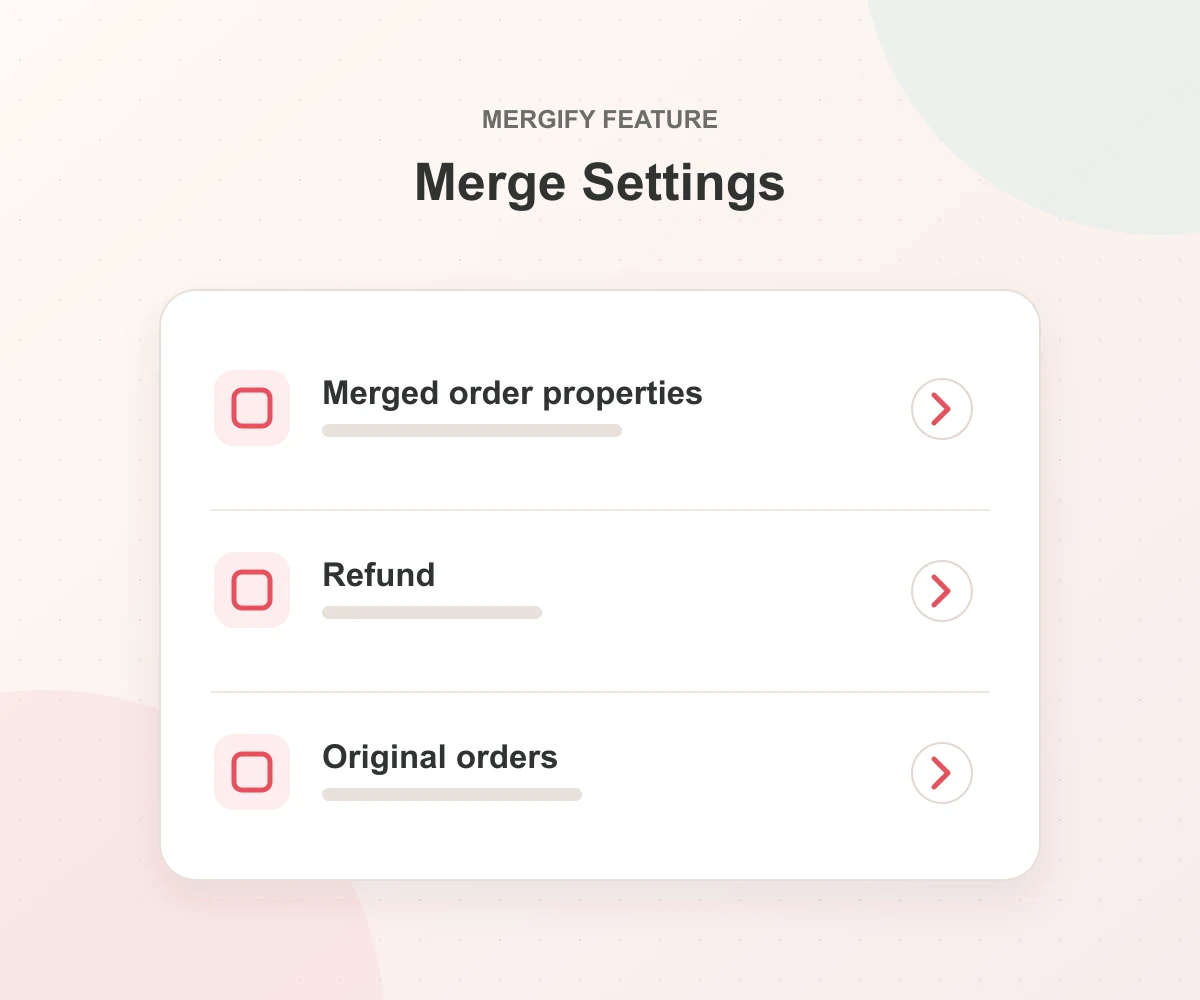
Merge Settings define the new merged order, shipping refunds, and what happens to the original orders.
- Review the Merged order properties. Check the settings for the order name, line items, total, shipping line, notes, tags, and customer.
- Choose your shipping refund approach. Set shipping to recalculate using your store's own rates. Decide whether to keep the difference or refund it to the customer, then review the Refund section before merging.
- Choose how to handle the originals. Review the Original orders section. You can archive originals, add tags or notes, and choose when they are fulfilled.
- Check which modes use these settings. Use one shared set, or use Edit modes to give Manual Merge, Smart Suggest, and Auto Merge different settings.
How is shipping handled on the merged order?
Mergify can recalculate shipping using your store's own rates, then let you keep or refund the difference. The refund stays on the original orders. Mergify never charges customers and never moves payments to the merged order.
For a combined shipping refund in Shopify, check both the shipping line in Merged order properties and the Refund section. If the customer paid shipping on each order and your rates for the combined order come to less, you can refund the difference. History shows any shipping refunded for each merge.
What can happen to the original orders?
The original orders stay in Shopify, where Mergify can archive them, tag them, add a note, or fulfill them. Notes and tags can include the merge date and the new order's name. Use those details when you want the originals to reference the combined order.
For fulfillment, choose between fulfilling originals right after the merge and fulfilling them automatically when the merged order is fulfilled. The second option copies the merged order's tracking number to the originals. You can also fulfill originals from History.
Can manual and automatic merges use different settings?
Yes, Edit modes lets Manual Merge, Smart Suggest, and Auto Merge use different settings. All three can also share one set. For example, you can choose a refund approach for manually selected orders separately from your automatic merges.
Use Load default settings to return to the recommended defaults. Then review the Merged order properties, Refund, and Original orders sections against your intended workflow.
Which plans include Merge Settings?
As of November 2026, you can use Merge Settings with Manual Merge and Smart Suggest on every plan; Auto Merge requires Advanced or Professional. Starter is free to install, includes 5 merges in total, and costs $0.50 per merge after that. See Mergify plan prices and merge allowances to compare costs in USD, with paid plans billed every 30 days.
What should I know before I refund shipping when combining orders?
Check where the refund stays, how originals receive tracking, and how test mode handles the new order in sales reports.
How do I refund shipping when combining orders in Shopify?
Use Mergify's Merge Settings to recalculate shipping from your store's own rates and refund the difference to the customer. The shipping refund stays on the original orders. You can review any shipping refunded in History after the merge.
Do I have to refund the shipping difference?
Mergify lets you keep the shipping difference or refund it to the customer. Choose the option that fits how you handle combined shipping. Review the settings for each merge mode if you use separate settings.
Does combining orders change inventory, reports or payments?
Merging with Mergify does not change inventory. Test mode keeps merged orders out of sales reports, and Mergify never charges customers or moves payments; payments and refunds stay on the original orders.
Can I take back a shipping refund after merging?
No. Undo in History deletes the merged order, but it cannot reverse shipping refunds already sent. Check the Refund section of Merge Settings before you merge, especially for Auto Merge.
What happens to the original orders in ShipStation or ShipBob?
When orders are merged, Mergify cancels the original orders in ShipStation or ShipBob, so only the merged order is fulfilled. Other shipping apps generally work without a dedicated integration, because the merged order is a normal Shopify order.
Can the originals receive the merged order's tracking number?
Mergify can automatically fulfill the original orders when the merged order is fulfilled, copying its tracking number. You can instead choose to fulfill the originals right after merging. Original orders can also be fulfilled from History.
Ready to choose how your next combined shipment handles shipping?
Starter is free to install and includes 5 merges, so you can set your refund choice and see the result in History. Use Edit modes when manual and automatic merges need different settings.